Discount Impact on Gross Margin: A $1,000 Job Worked Example
By Honest Little Apps
A 10% discount does not necessarily mean 10% less gross profit. When the job's direct costs stay fixed, the entire price reduction comes out of the amount left above those costs. Here is a small-job example you can check before sending a quote.
The job before a discount
Suppose the customer price is $1,000 before sales tax. Estimated labour and materials total $650. For this example, those direct costs do not change when the price changes.
- Estimated gross profit: $1,000 − $650 = $350.
- Gross margin: $350 ÷ $1,000 = 35%.
This is gross profit above the stated direct costs, not take-home pay. Overhead, income tax and other expenses are not included in this simplified example.
What happens after a discount?
| Discount | Price | Gross profit | Margin |
|---|---|---|---|
| 0% | $1,000 | $350 | 35.00% |
| 5% | $950 | $300 | 31.58% |
| 10% | $900 | $250 | 27.78% |
| 15% | $850 | $200 | 23.53% |
With the 10% discount, the price falls by $100 and estimated gross profit also falls by $100. Relative to the original $350 gross profit, that is a reduction of about 28.57%.
The margin falls from 35% to about 27.78%: a decrease of 7.22 percentage points. A percentage-point change and a percentage reduction are different measurements.
A reusable discount review worksheet
- Write the current price before sales tax. Keep tax separate from revenue in this example.
- List the direct costs included. For example: labour $400 and materials $250. Check whether travel, subcontractors or other job-specific costs are missing.
- Calculate the proposed price. Original price × (1 − discount rate).
- Subtract the revised direct cost. If scope changes, update the costs before calculating gross profit.
- Divide by the revised price. Gross profit ÷ revised price × 100 gives gross margin when price is positive.
- Record the decision and assumption. Note whether the discount is accepted, revised or declined, and why.
What price preserves a chosen margin?
If the direct cost is $650 and the chosen target gross margin is 30%, the corresponding price is $650 ÷ (1 − 0.30) = about $928.57. Rounding up to $928.58 avoids rounding just below the target in this example.
That is approximately a 7.14% discount from the original $1,000 price. The 30% target is an illustration, not a recommended margin for your business. The calculation does not establish whether the job covers all overhead or is worthwhile.
Discount versus changing the scope
Now compare a smaller scope priced at $900 with estimated direct costs of $580. Estimated gross profit is $320 and margin is about 35.56%. This differs from charging $900 for the original $650-cost scope, where gross profit is $250.
A smaller scope is not automatically appropriate. Write down exactly what changes, confirm the customer's expectations, and avoid quietly removing promised work. Keep the original and revised versions so the reason for the new price remains clear.
Keep the calculation beside the quote
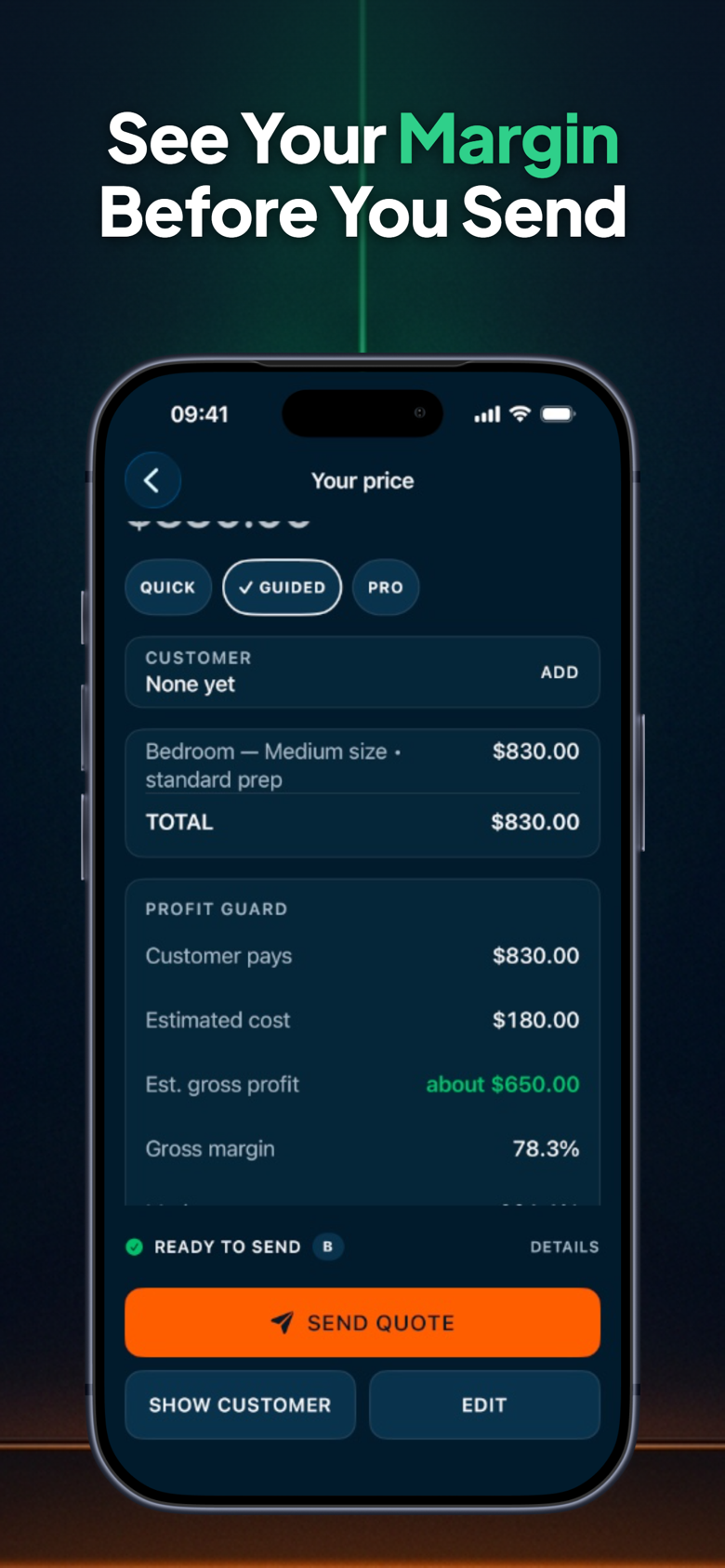
ScopeBid shows gross margin and markup separately and previews how a discount changes estimated margin. Its workflow also includes estimates, change orders and estimated-versus-actual job costs. The current listing offers the first three quotes free, with further quoting and workflow features through Pro.
Explore ScopeBid: Estimate & Invoice on the App Store. Check current features, compatibility and purchase options before choosing.
All figures above are fictional arithmetic examples. This worksheet is not accounting, tax or legal advice, and no profit outcome is guaranteed.
Try your own quote before agreeing to a discount
The example above uses direct costs of $650. In the free calculator, enter 1000 for the quote, 650 for costs and 10 for the discount to reproduce it. Then replace those figures with your own.
Open the free quote discount calculator →
Keep your margin visible while you quote
The browser calculator makes one comparison. ScopeBid brings the check alongside estimating and job costs on your iPhone. Review the current App Store listing for features and optional purchases.
See ScopeBid on the App Store →
Published by Honest Little Apps, the publisher of ScopeBid. Updated November 15, 2026.


Comments
Post a Comment